
How Linkist works
Three stages. One place for every relationship.
Capture and share, build relationships, act and grow. Each stage feeds the next.
1 · Capture and share
Save the contact. Save the context.
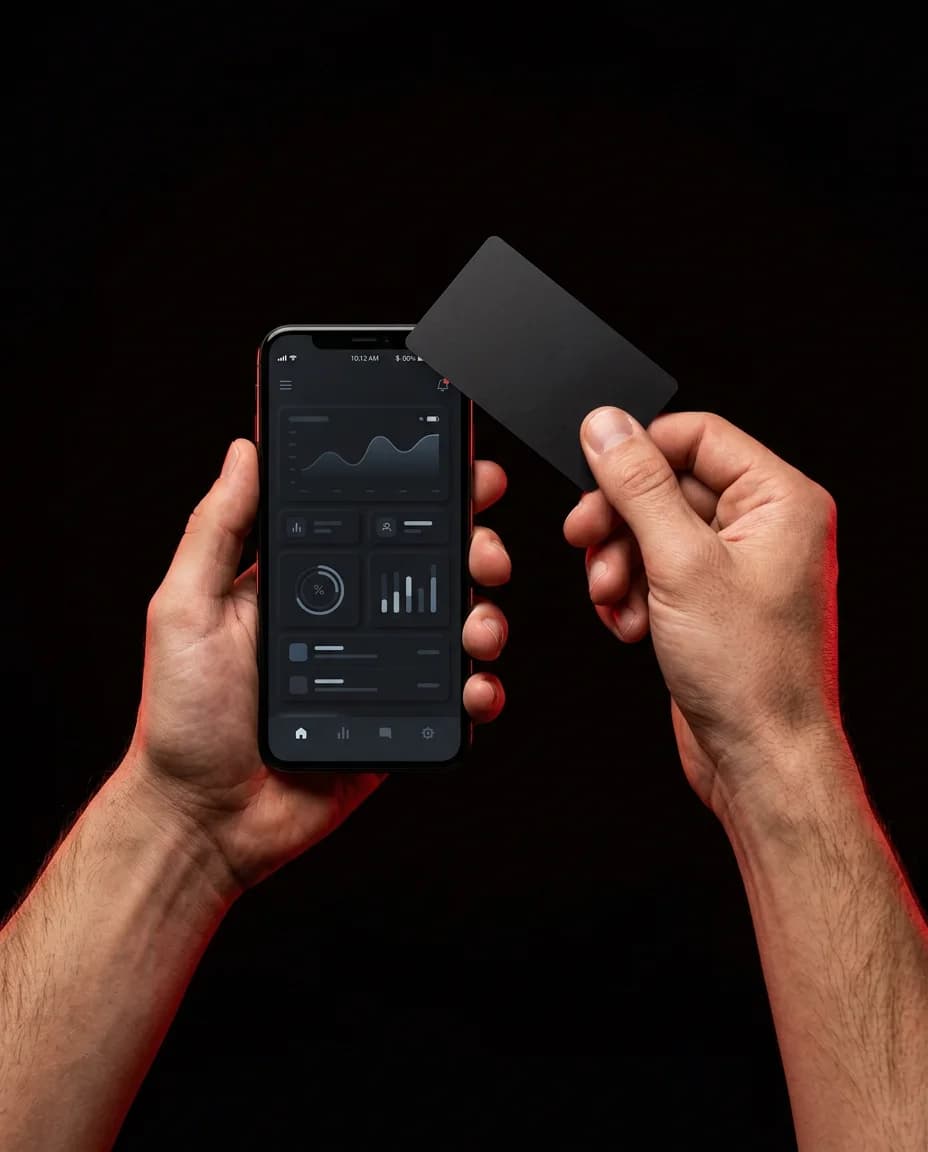
- Capture through NFC, QR, card scan, phone import, CSV or VCF, or manual add
- Fill missing details with AI Enrichment
- Save where you met and what mattered
- Share your live profile with one tap
OutcomeEvery useful contact becomes more than a name and number.
- AI Enrichment
- Card Scan
- Contact Import
- Voice Notes
2 · Build relationships
Find the people worth your attention.
- Search using what you remember
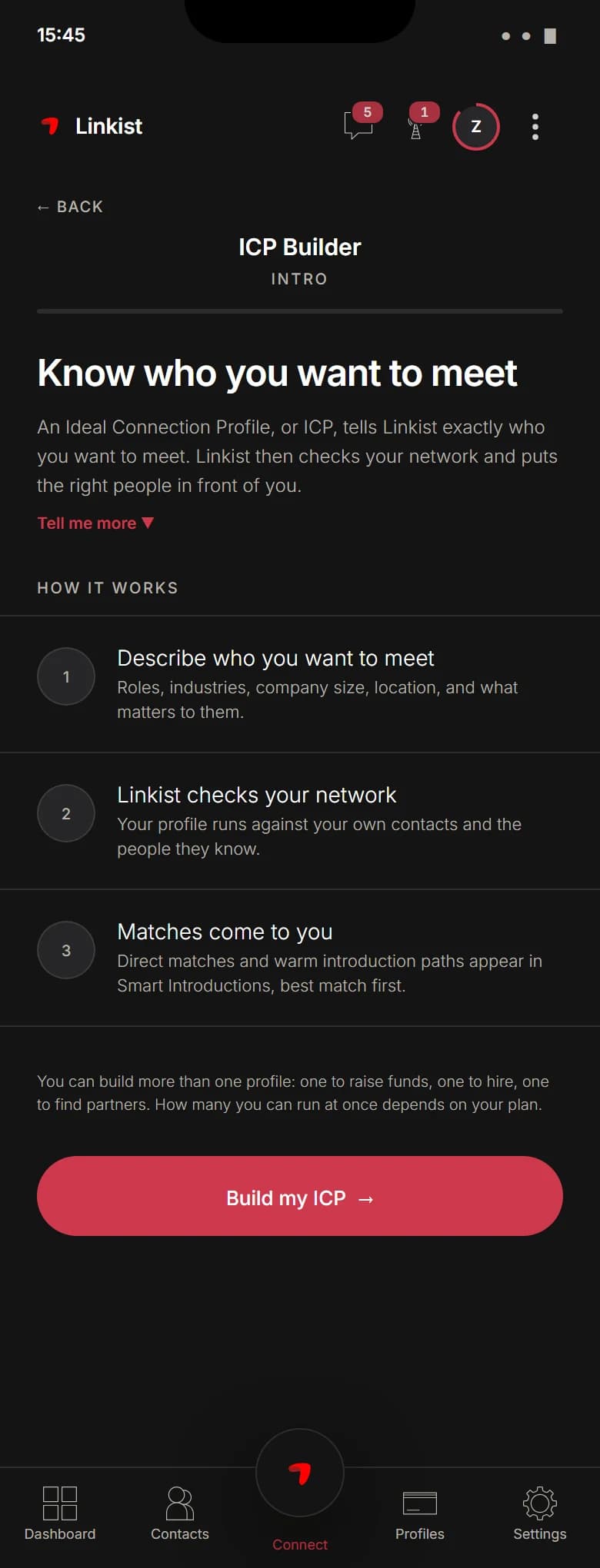
- Define who you are looking for and see who fits
- See which relationships are active or going quiet
- Post what you need and find relevant people or trusted paths
OutcomeKnow who matters, who fits, and who can help.
- Natural-Language Search
- ICP Matching
- Relationship Heat Map
- Network Ask
3 · Act and grow
Know what to do next.
- Start the day with your most important actions
- Plan relationships and opportunities for the week
- Get useful nudges before follow-ups slip away
- Reach out or ask for a warm introduction
OutcomeStay on top of the right relationships and act before the moment passes.
- Top Actions
- Intelligent Nudges
- Warm Introductions
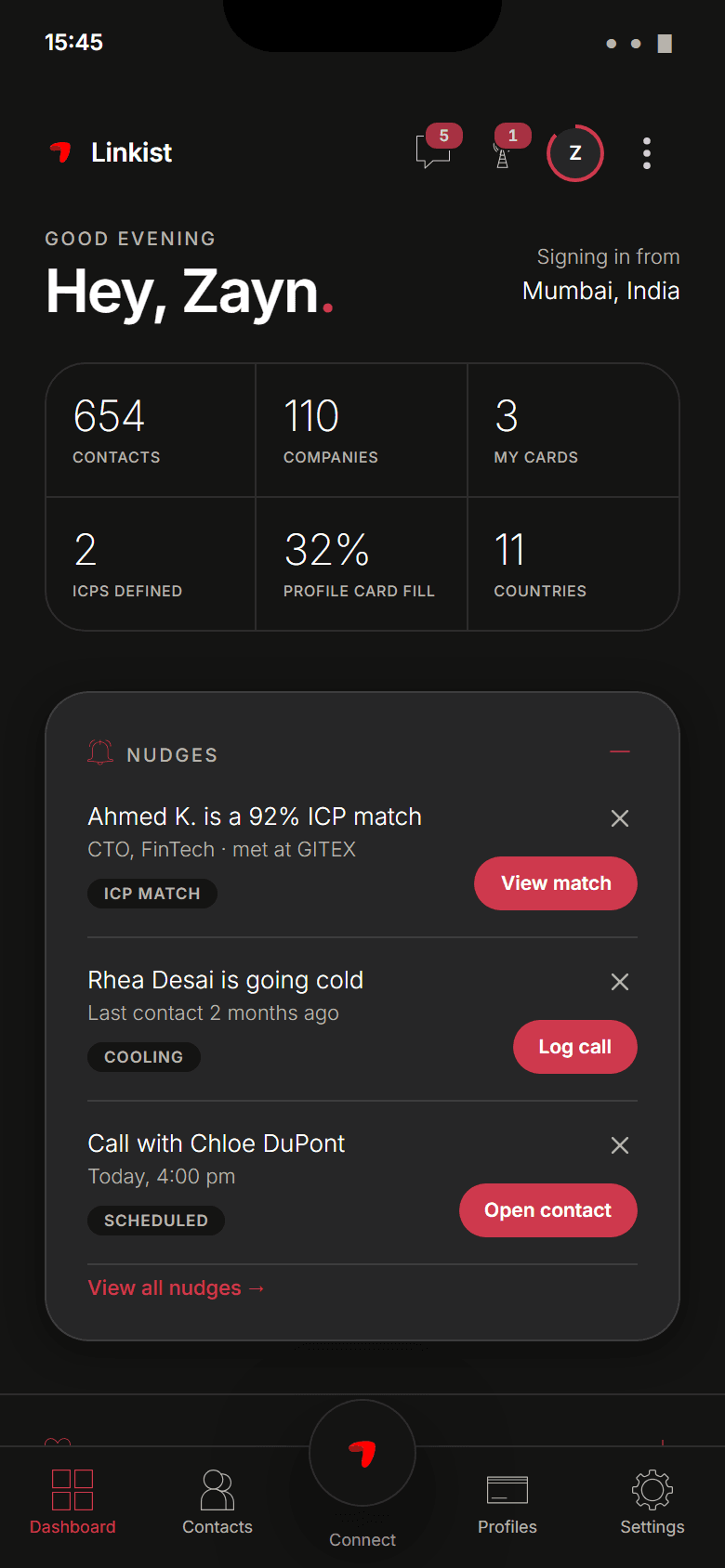
From the approved design
The screens behind the three stages.
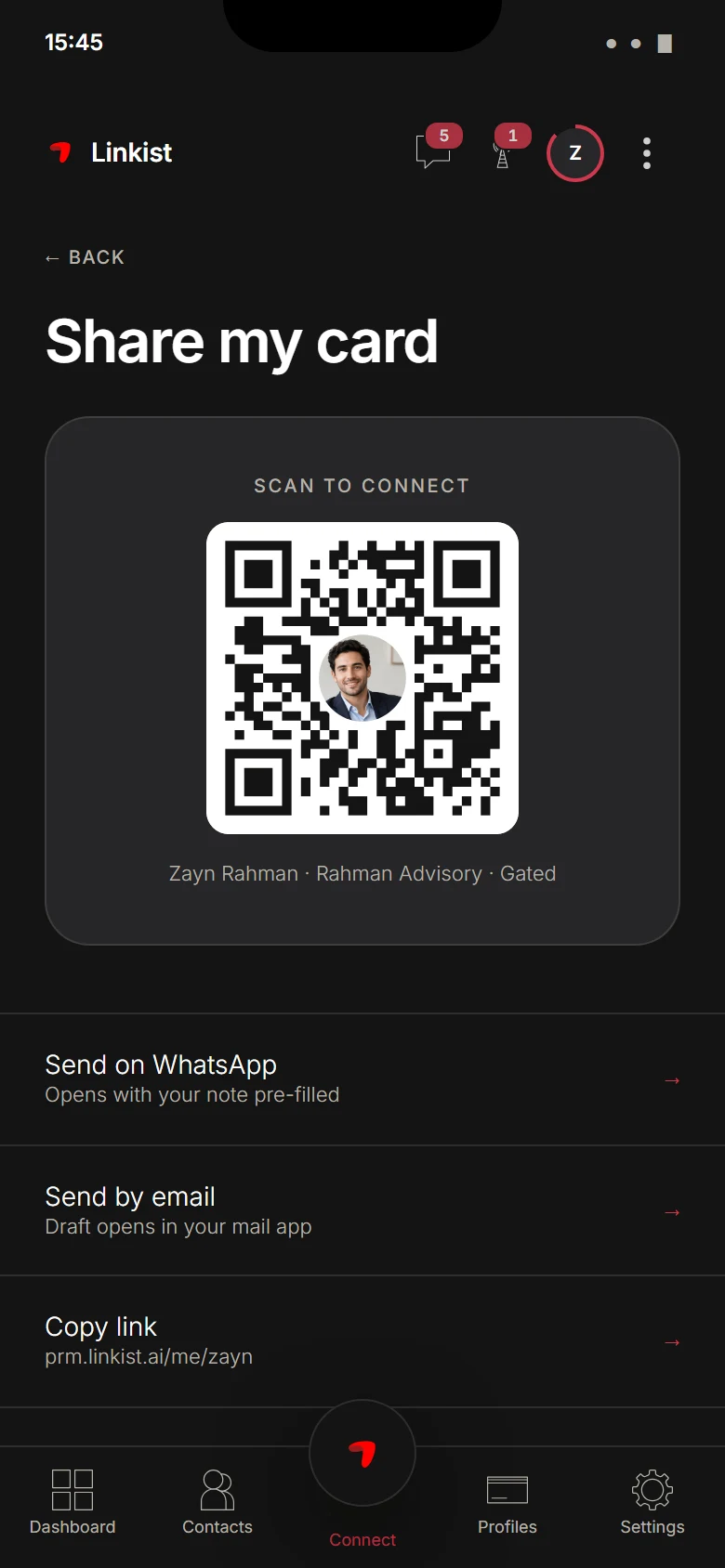
Share by QR, WhatsApp, email or link; describe who you want and see who fits; open on the nudges that need action.
Share by tap, QR, link, WhatsApp or email
Describe your ideal contact once and see who matches
A home screen that says what to do next
Questions
Straight answers.
What is Linkist?
Linkist is a Personal Relationship Manager with an optional NFC card. It captures who you meet, remembers the context and tells you what to do next.
What is a Personal Relationship Manager (PRM)?
A PRM organises relationships, not deals: contacts, context, priorities and follow-ups in one place.
How is Linkist different from a contact app or CRM?
Contact apps store people. CRMs manage deals. Linkist manages relationships: who matters, who fits and what to do next.
Do I need an NFC card to use Linkist PRM?
No. Start on the free PRM plan and add a card any time.
Does every NFC card include PRM Essential?
Yes. Every Linkist NFC card includes PRM Essential.
Capture the people you meet.
Then act at the right time.
Free plan. No NFC card needed, add one any time.