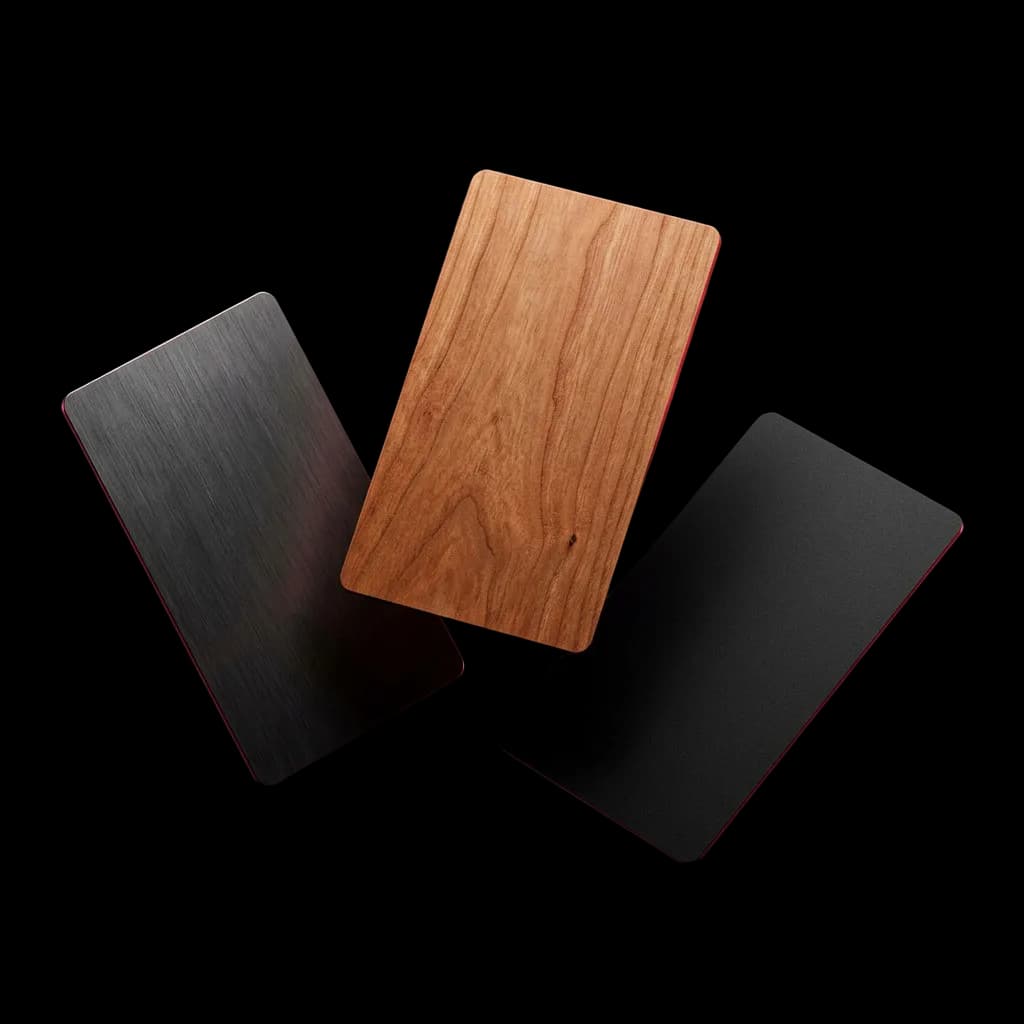

Capture and share
Save the contact. Save the context.
Capture people however they arrive, note the context, and let AI fill the gaps.
- Ways to capture6
- Card scans on ProUnlimited
- Import formatsPhone, CSV, VCF
What is inside
What Capture does, screen by screen.
01 / 04
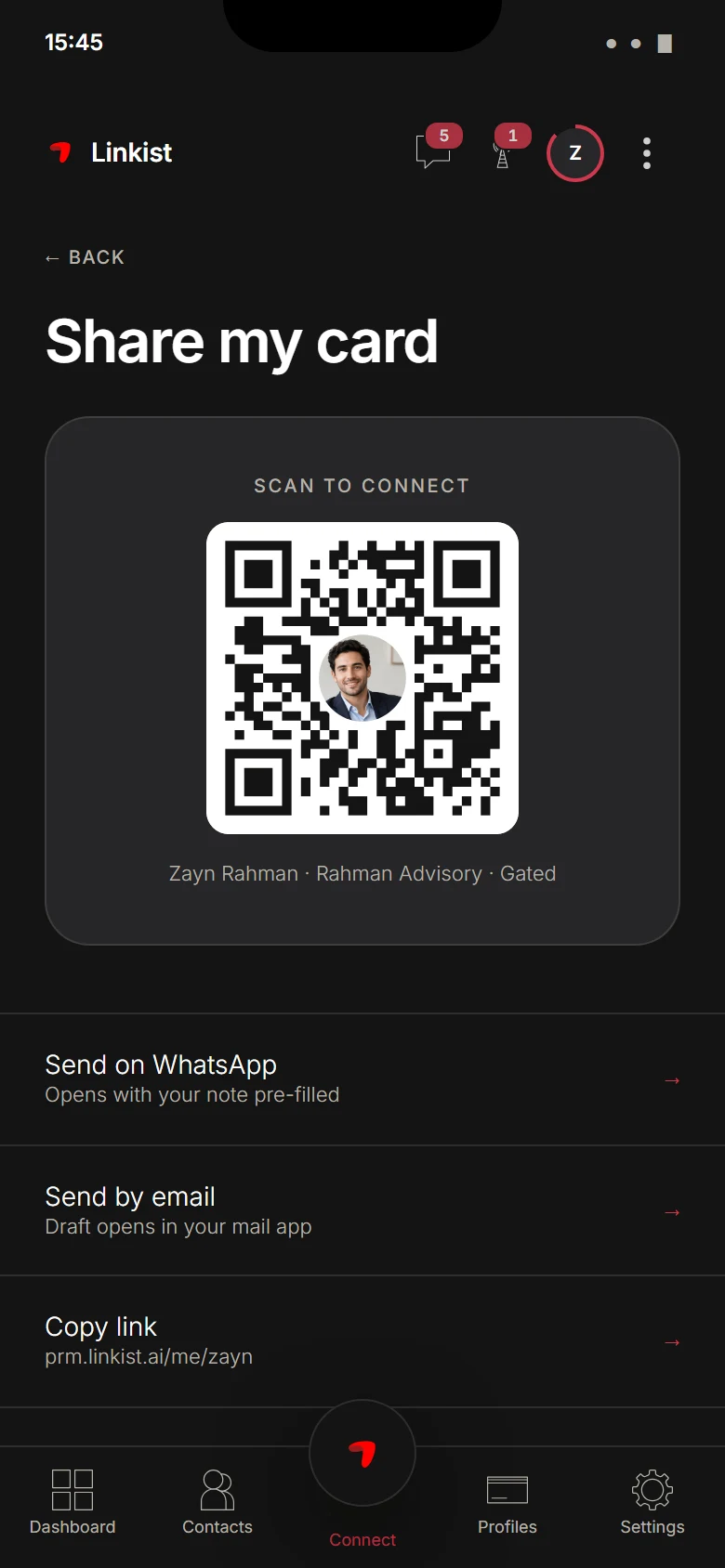
NFC tap and QR
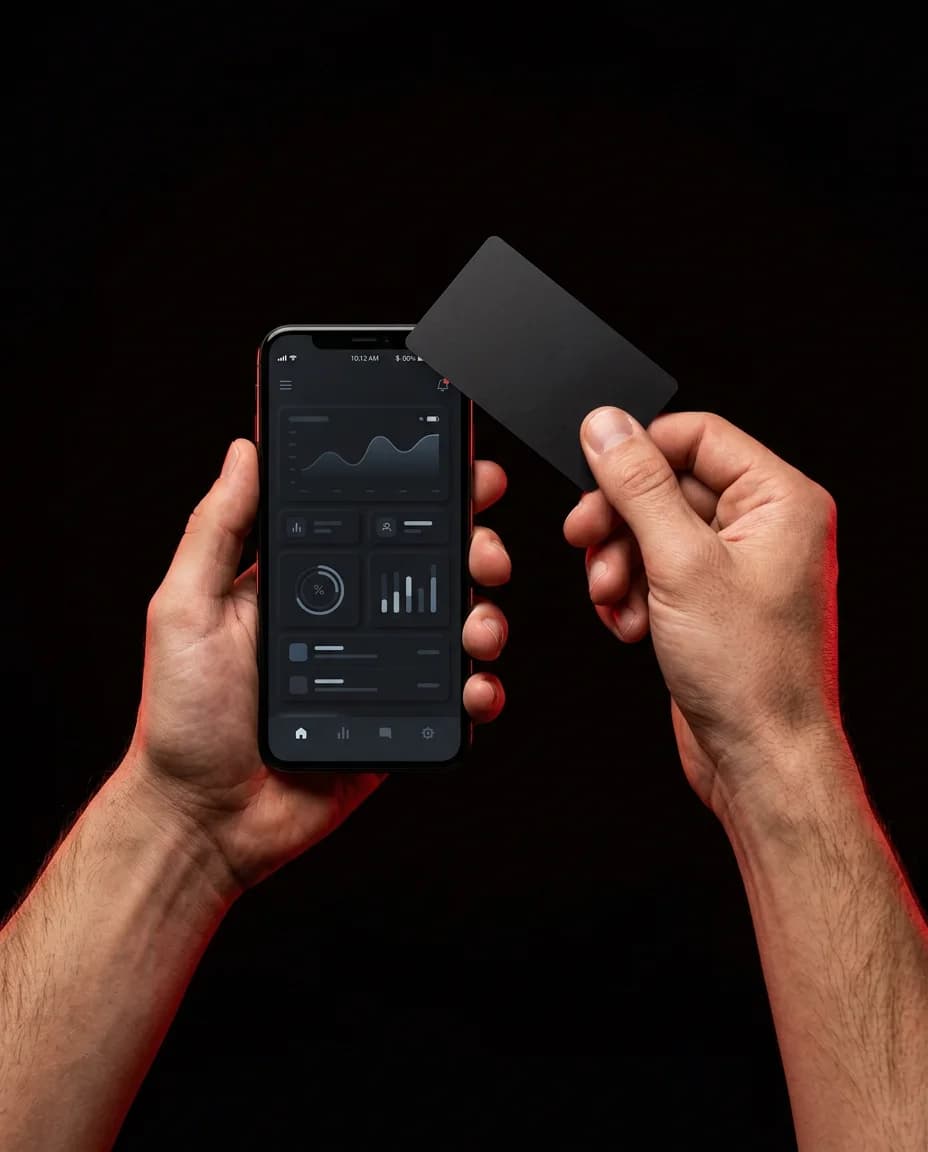
Tap a Linkist NFC card to a phone, or show your QR code. The other person gets your live profile and you keep the meeting.
02 / 04
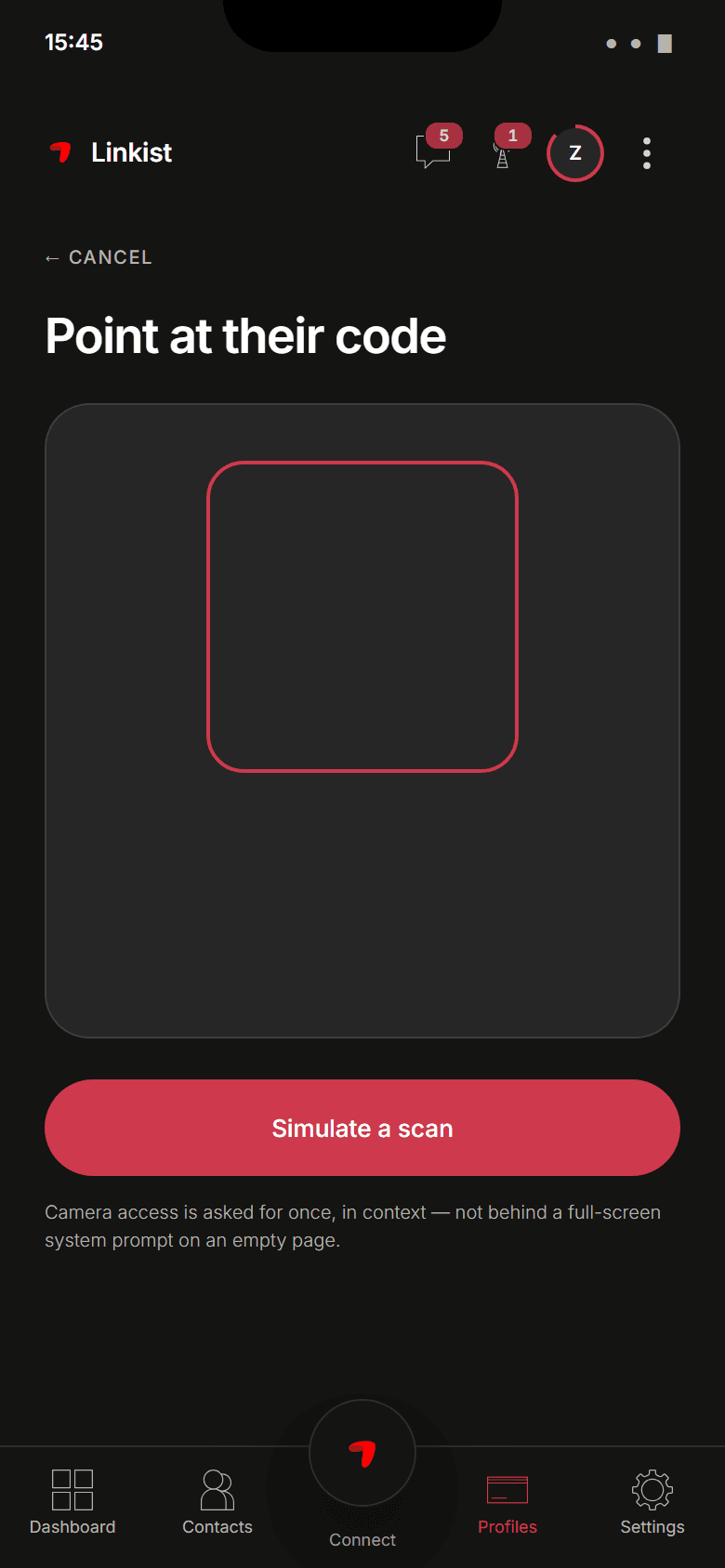
Card scan
Point the camera at a paper business card and it becomes a contact record. 5 a month on Essential, 20 on Enhanced, unlimited on Pro.
03 / 04
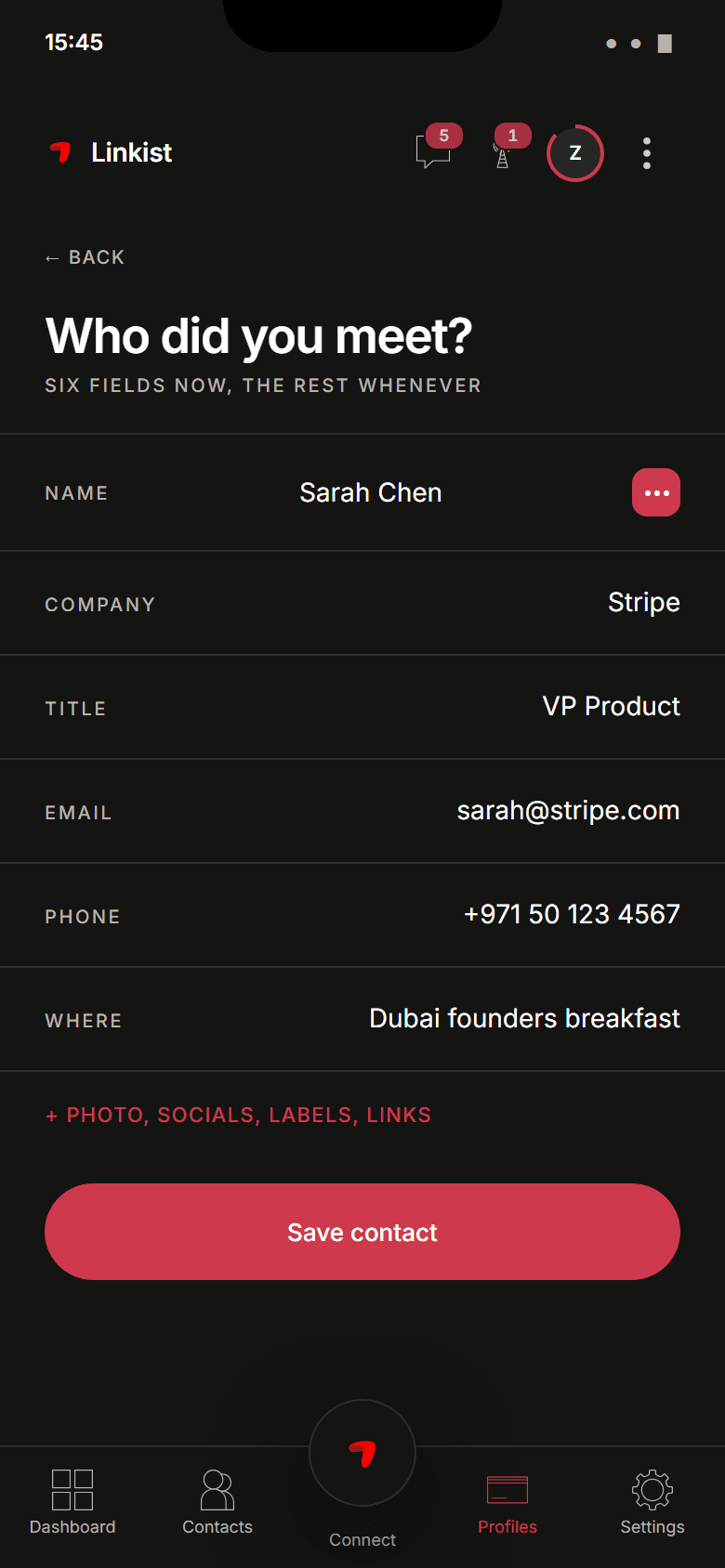
Import and add
Bring your phone contacts, a CSV or a VCF file, or add a person by hand. From Enhanced, notes and tags keep the context with them.
04 / 04
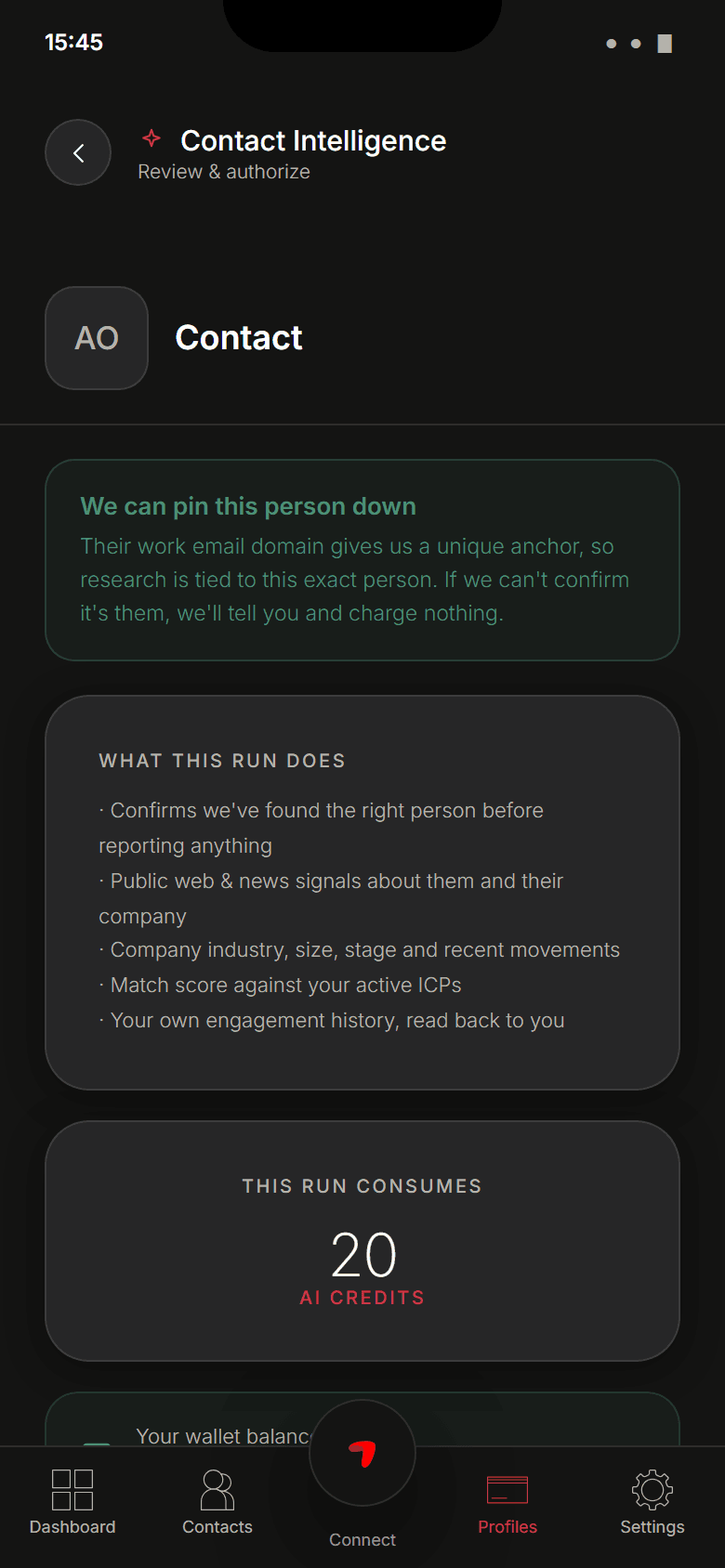
AI Enrichment
An incomplete record gets its missing professional details filled in. You see what was added and can change it.
Pro
Check Plan comparison for feature availability.
Questions
About Capture.
Does the other person need Linkist to receive my card?
No. A tap or a QR scan opens your live profile in their browser and they can save your details. If they use Linkist too, the meeting is captured on both sides.
What does the card scan read?
The name, company, role, phone, email and address printed on a paper business card, into fields you can correct before saving.
Can I record a voice note at the stand?
Yes. Record where you met and what mattered while it is fresh; it stays with the contact.
More features
Capture the people you meet.
Remember why they mattered.
Free plan. No NFC card needed, add one any time.