What is a digital business card?
A digital business card is an online profile that holds your professional contact information and can be shared instantly, via a tap, a scan, or a link. Unlike a paper card, it lives on the internet and can be updated at any time without printing a new batch.
At its core, a digital business card typically includes:
- Your name, job title, and company
- Phone number, email address, and website
- Social media profiles (LinkedIn, Instagram, X, etc.)
- A photo or logo
- Links to portfolios, booking pages, or products
- A QR code for easy sharing
How does a digital business card work?
A digital business card is a two-part system: a profile hosted online, and a sharing mechanism that sends someone to that profile.
When you share your digital card, the other person can:
- Save your contact directly to their phone
- Follow your social media in one tap
- Access your portfolio or booking link
- Share your profile with others
- Connect with you on LinkedIn without searching
The recipient never needs an account or app. Your profile is a standard web page that works on every smartphone and browser.
What is an NFC business card?
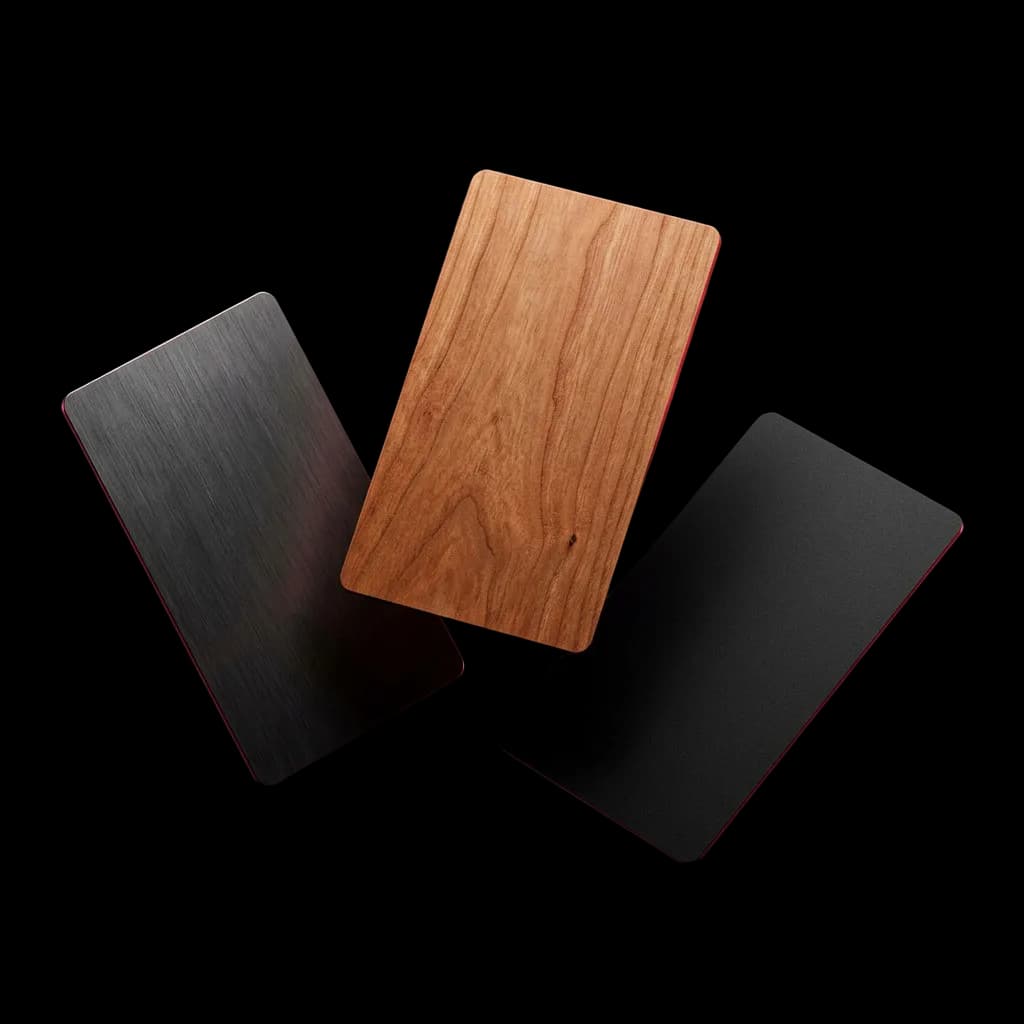
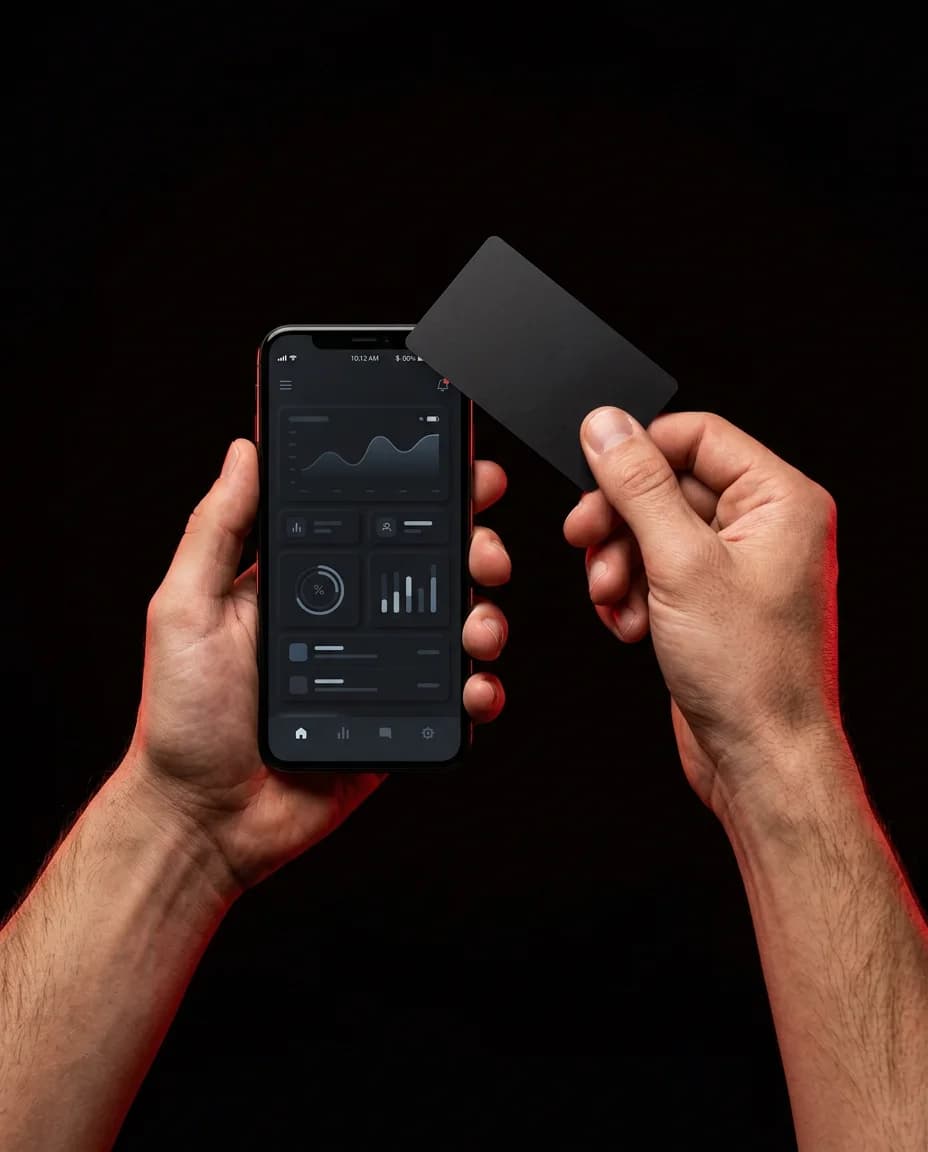
An NFC business card is a physical card (typically metal or PVC) embedded with a Near Field Communication (NFC) chip. When someone taps their smartphone against the card, the chip instantly opens your digital profile in their browser.
It is important to distinguish between the two terms:
| Term | What it means | Physical? |
|---|---|---|
| Digital business card | An online profile with your contact details | No |
| NFC business card | A physical card with a chip that opens your digital profile | Yes |
Linkist combines both: your digital profile exists online and can be shared via link or QR code, while the optional Linkist NFC card gives you a premium physical card that taps to the same profile.
NFC, QR code or profile link: which is better?
Your profile opens three ways, each suited to different situations, and you can send the link by email, SMS, WhatsApp or any messaging app.
- NFC Tap
Best at in-person events. One tap on a modern smartphone opens your profile instantly. No camera needed, fastest possible exchange.
- QR Code
Best for slide decks, email signatures, printed materials, and older iPhones that may not have NFC unlocked by default.
- Profile Link
Best for remote introductions: email, WhatsApp, video calls, LinkedIn messages, or anywhere you need to share digitally.
Why are professionals moving beyond paper business cards?
Paper cards have served professionals for centuries. But in a world where people work across multiple roles, have multiple social profiles, and change jobs regularly, paper cards have real limitations.
- ♻️ Always up to date Update your number, title, or links any time. Everyone who taps or scans your card sees the current version automatically.
- 📊 Analytics and insights See how often your profile is opened, from which city and on which device type; you see who it was when they send you their details. Paper cards give zero data.
- 🌍 Never run out You can share with an unlimited number of people without running out of stock or worrying about printing costs.
- 🔗 Clickable links Every element on your Linkist profile is clickable; people can call, email, or connect in one tap.
- 💾 Saved instantly Recipients can save your contact directly to their phone's address book, no typing, no lost card.
- 🌱 Eco-friendly No paper waste, no printing, no chemicals. A single Linkist NFC card replaces thousands of paper cards.
The professional journey has evolved too. The best networkers now think of every interaction as a five-step flow:
- Introduction
- Recognition
- Follow-up
- Relationship
- Opportunity
Digital cards with analytics and CRM features, like Linkist, support the entire flow, not just the first handshake.
Why digital business cards are particularly relevant in the UAE
The UAE has one of the most internationally mobile professional populations in the world. Dubai and Abu Dhabi are home to founders, executives, and professionals from over 180 nationalities, many of whom are meeting contacts from different countries every week.
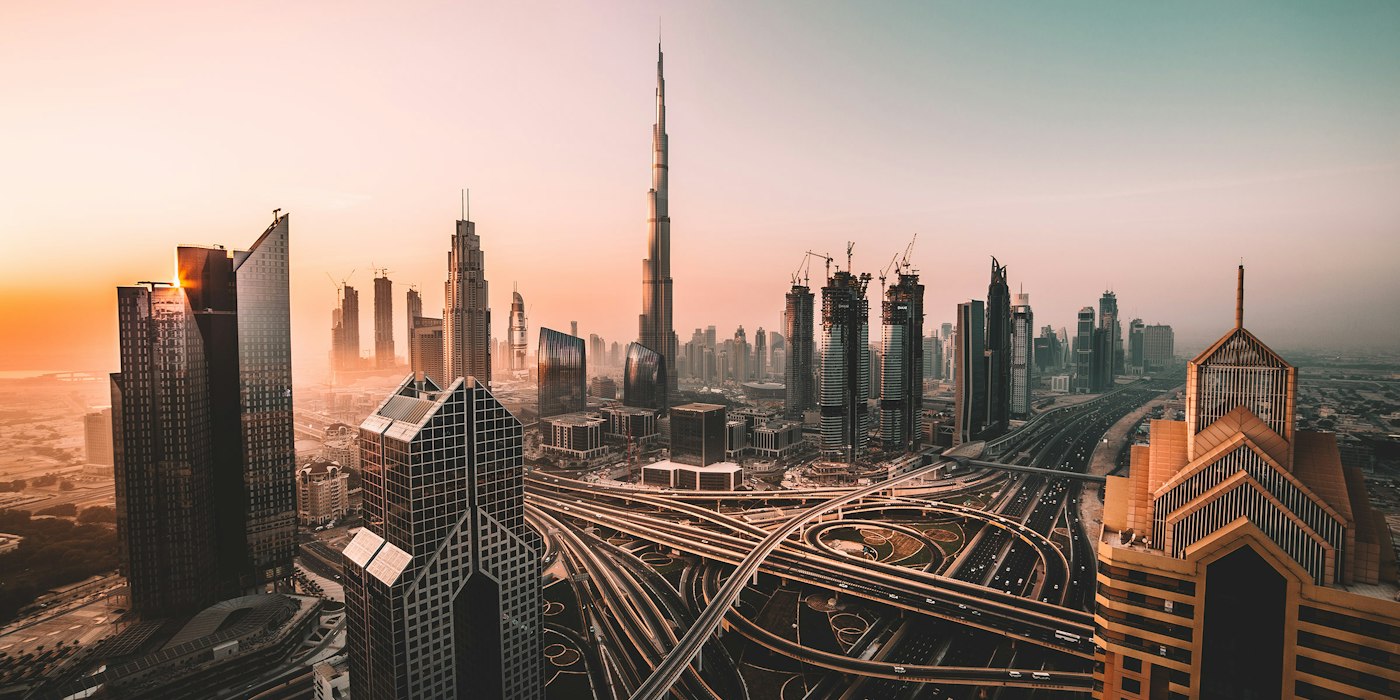
Several factors make the UAE especially suited for digital business cards:
- High smartphone penetration: UAE has one of the highest smartphone usage rates globally, meaning nearly every contact can receive a digital card.
- WhatsApp-first culture: Professionals routinely share their profile link directly in WhatsApp, the dominant communication channel in the region.
- English and Arabic interfaces: Linkist profiles work in both languages, reflecting the multilingual nature of UAE business.
- Event-heavy business culture: GITEX, Arab Health, Cityscape, and dozens of other major events make in-person networking central to business development.
- Sustainability commitments: The UAE's national sustainability goals align with the eco-friendly nature of digital cards.
Digital business card versus paper business card
| Feature | Digital card (Linkist) | Paper card |
|---|---|---|
| Always current | ✓ | ✗ |
| Shareable remotely | ✓ | ✗ |
| Clickable links | ✓ | ✗ |
| Analytics / view tracking | ✓ | ✗ |
| Unlimited sharing | ✓ | ✗ |
| Save to contacts | ✓ (one tap) | Manual |
| Physical presence | ✓ (optional NFC card) | ✓ |
| Eco-friendly | ✓ | ✗ |
| Cost after setup | Near zero | Ongoing printing |
What should you include on your digital business card?
Essential information
- Full name (as you want to be addressed professionally)
- Job title and company name
- Primary phone number (WhatsApp-enabled recommended)
- Professional email address
- LinkedIn profile
- Your profile photo
Useful additional elements
- Website or portfolio URL
- Calendly or booking link
- Company logo
- Secondary phone or email
- Other relevant social profiles (Instagram, X, YouTube depending on your field)
- A short bio (2-3 sentences)
What to avoid
- Too many social links (curate to the platforms you actually use professionally)
- Outdated information (the main advantage of digital is it stays current; use it)
- Generic profile photos (a professional headshot builds more trust)
- Missing a call to action (give people a next step)
What makes a digital business card effective?
Professional photography
Your profile photo is often the first visual impression. A clear, well-lit headshot against a neutral background performs significantly better than a casual photo.
A clear headline
Your title should tell people what you do and who you help. "Founder at Acme" is less effective than "Founder & CEO: B2B SaaS for logistics."
The right links
Include only links you want people to click. A booking link, a portfolio, and LinkedIn are often enough. More links do not mean more engagement.
Consistent branding
If you represent a company, match your card colours and logo to your company brand. Linkist allows custom brand colours and logo placement.
A memorable URL
Claim a short, clean profile URL early. prm.linkist.ai/me/your-name is easier to share verbally and in writing than a random string of characters.
Who can benefit from a digital business card?
- Founders & CEOs
Share your company vision and multiple contact points without printing new cards after every pivot.
- Sales professionals
Share your profile in seconds and follow up with the context you saved.
- Freelancers
Present a portfolio, booking link, and social proof in one shareable profile.
- Event speakers
Add your profile QR to your slides so the audience can connect with you without writing anything down.
- HR & Recruiters
Share a card that links directly to your LinkedIn and company careers page.
- Corporate teams
Ensure every employee has a current, brand-consistent digital card managed centrally.
Digital business cards for teams and enterprises
Managing business cards across a growing team is one of the most overlooked operational challenges in professional services, consulting, and sales organisations. When every employee has a different card design, outdated information, or no card at all, it creates inconsistency in how the company presents itself.
Linkist's Team plan lets administrators:
- Create and manage profiles for all team members from a central dashboard
- Apply consistent brand colours, logos, and layout across all cards
- Update company information (address, phone, website) in one action across all cards
- Track engagement analytics at team and individual level
- Add or remove team members as the organisation grows
This is particularly valuable for companies with sales teams attending multiple events simultaneously, or for professional services firms where partners and associates need brand-consistent profiles.
How to choose a digital business card platform
Not all digital business card platforms are equal. When evaluating a platform, check for the following:
- No-app experience for recipients: if the person you share with needs to download an app, many will not bother. Your profile should open in a browser.
- NFC card option: the physical component makes a real difference in face-to-face settings.
- Custom branding: your own colours, logo, and profile URL matter for professional credibility.
- Contact save functionality: recipients should be able to add you to their contacts in one tap.
- Analytics: you should know how often your card is opened.
- Team management: if you have more than one person, centralised control is essential.
- Reliable uptime: your card URL needs to load every time, at every event.
- Fair pricing: look for transparent pricing with no hidden costs for updates or contacts.
Linkist is built with these eight in mind, specifically for professionals in the UAE and across the GCC region.
How to create a digital business card with Linkist
Creating your Linkist profile takes less than five minutes:
- Press Start Now to open the free quick profile; choose a paid plan any time on the pricing page.
- Enter your name (from Enhanced, you can also claim a personal profile URL).
- Add your contact details: phone, email, and website.
- Upload a profile photo and company logo.
- Add your social links (LinkedIn, Instagram, WhatsApp, etc.).
- Customise colours and layout to match your brand.
- Preview your profile on mobile and desktop.
- Share your link, download your QR code, or order your NFC card.
Beyond the card: building relationships with Linkist
A business card (paper or digital) is only the start. The real value is in what comes after the initial exchange: the follow-up, the context, and the ongoing relationship.
Linkist PRM (Personal Relationship Manager) is the tool that sits between the first tap and the long-term professional relationship. With it you can log notes about every contact, set follow-up reminders, and track where each relationship stands, all tied to the moment you met.
- They tap your card
- They save your details
- You follow up
- You log context
- Relationship grows
The goal is not just a smarter business card; it is a smarter way to build and maintain the professional relationships that drive your career and business forward.
Frequently asked questions
Do digital business cards require an app?
No. With Linkist, the person you share with does not need to download anything. Your profile opens directly in their phone's browser, whether they tap your NFC card, scan your QR code, or click your profile link.
Does an NFC business card work on every phone?
Most recent iPhones and Android phones open the profile with a tap when NFC is on, though no NFC card can promise to work with every phone. For other phones, your QR code and profile link are the fallback.
Can I update my card after it has been printed or ordered?
Yes. Your NFC card is programmed to open your Linkist profile URL. You can update your phone number, title, social links, or any other information at any time without replacing the physical card.
Is a digital business card suitable for UAE professionals?
Absolutely. The UAE has high smartphone penetration, a WhatsApp-first communication culture, and a packed event calendar. Linkist is optimised for the way professionals network in the region, with NFC-tap sharing and instant WhatsApp-shareable links.
Can a digital business card replace a paper business card entirely?
For most professionals, yes. Linkist's NFC card gives you a physical card experience (something to hand over) while being fully digital. You get the best of both: a tangible card that also works as a digital profile.
What is the difference between a virtual and a digital business card?
The two terms are generally used interchangeably. Both refer to a contactless, online profile that holds your professional details. "Digital business card" is the more commonly used term in professional contexts.
Can companies create digital cards for their employees?
Yes. Linkist’s Team plan lets administrators create, manage, and brand profiles for every member of the team from a central dashboard. All cards share consistent branding while each individual maintains their own contact information.
How much does a Linkist digital business card cost?
Linkist offers a free plan to get started. Paid plans add features such as custom branding, analytics and team management. An NFC card is a separate one-time purchase, and every NFC card includes PRM Essential. See the pricing page for current prices.
Can I use my digital card outside of networking events?
Yes. Your Linkist profile URL can be added to your email signature, LinkedIn bio, WhatsApp status, presentation slides, and proposals. Many users find that they share their digital card most often in everyday digital communication, not just at events.
What happens if I lose my NFC card?
Switch the lost card off in the app straight away. Your profile and data are safe, and you can share by QR code or link while you order a replacement, which is charged unless the loss was Linkist’s fault. The new NFC card opens the same profile.